
Switching on/off manually
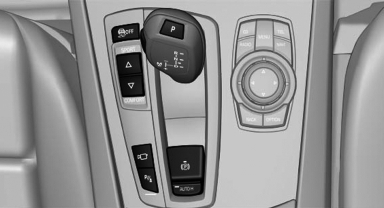
 Press the button.
See also:
The Appendage Factor
M cars have had what I call a high appendage factor — the feeling that the
car is an extension of the driver. It's typically experienced in cars whose
various systems and characteristics are well- ...
Services offered
▷ Emergency Request: when you press the
SOS button, a connection to the BMW Assist
Response Center is established. The
BMW Assist Response Center then speaks
with you and takes further s ...
Sport program DS and manual mode M/S
Activating sport program DS
Push the selector lever to the left out of transmission
position D.
DS is displayed in the instrument cluster.
The sport program of the transmission is activated. ...