
Switching on/off
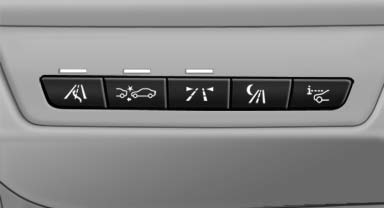
 Press the button.
- On: the LED lights up.
- Off: the LED goes out.
The system can issue warnings at speeds above approx. 40 mph/65 km/h.
The state is stored for the remote control currently in use.
See also:
After the ignition is switched off
The roof can still be operated for approx. 1 minute,
as long as no door has been opened. ...
Digital compass
1. Adjustment button
2. Display
The display shows you the main or secondary compass direction in which you are
driving.
Operating principleYou can call up various functions by press ...
Malfunction
HDC is temporarily unavailable in the following
situations due to a high brake temperature:
▷ The LED in the button and the display HDC
go out during HDC operation.
▷ The LED in the ...