
The concept
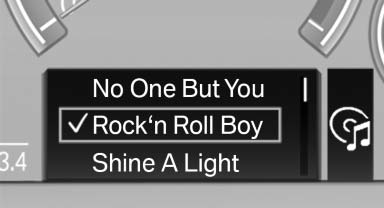
The following can be operated using the buttons and the thumbwheel on the steering wheel:
- Current audio source.
- Redial on telephone*.
- Activation of the voice activation system*.
See also:
Address book
Selecting a destination from the
address book
1. "Navigation"
2. "Address book"
Contacts with addresses are displayed if
these have been checked as destinations.
If the mo ...
Apps
At a glance
Certain software applications of a suitable cell
phone can be integrated in the vehicle. These
software applications are displayed on the Control
Display.
They are operated via iDr ...
Mounts for the lower LATCH anchors
Correctly engage the lower LATCH anchors
Make sure that the lower LATCH anchors have
properly engaged and that the child restraint fixing
system is resting snugly against the backrest;
otherwi ...