
Display
Instrument cluster
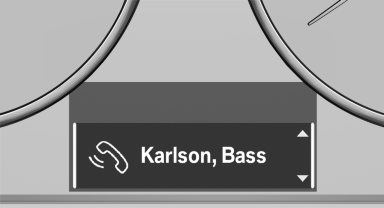
Instrument cluster
Instrument cluster with enhanced features
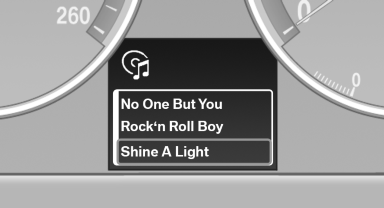
Instrument cluster with enhanced features
See also:
Radar sensor
Position
Radar sensor
Dirty or covered sensor
A dirty or covered sensor may hinder the detection
of vehicles.
▷ If necessary, clean the radar sensor. Remove
layers of snow and ice care ...
Date
The date is displayed in the instrument
cluster.
Setting the date and date format. ...
Playing music
Music search
All tracks for which additional information has
been stored can be accessed by the music
search. Tracks without additional information
can be called up via the corresponding album
...