
Playback
1. Switch on the external device and start the playback.
2. Open the start menu with the remote control.
3. Select "AUX".
4.  Press the
button.
Press the
button.
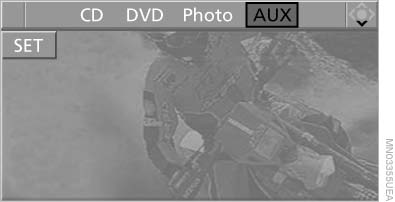
Playback
For devices without a video signal, for instance MP3 players, "No video signal" appears on the display. The sound is nevertheless played.
See also:
2011 BMW 750 Review by David Thomas
As the 2010 7 Series ebbs into the 2011 with few changes, I spent some time
driving the 750Li xDrive. That's BMW's long-wheelbase, all-wheel-drive version
of its flagship sedan.
While I was impr ...
The concept
The system is functional at speeds beginning at
approx. 20 mph/30 km/h.
It maintains the speed that was set using the
control elements on the steering wheel.
The system brakes on downhill gradie ...
Cooling function
The passenger compartment can only be
cooled with the engine running.
Press the button.
The air is cooled and dehumidified and
– depending on the temperature setting –
warmed again.
The cool ...