
Managing a subscription
To be able to enable or unsubscribe from the channels, you must have reception. It is usually at its best when you have an unobstructed view of the sky. The channel name is displayed in the status line.
Enabling channels
The Unsubscribed Channels category contains all disabled channels.
1. "Radio"
2. "Satellite radio"
3.  "Category"
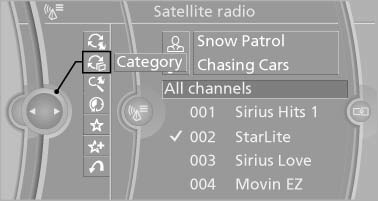
4. Select the Unsubscribed Channels category.
5. Select the desired channel.
The phone number and an electronic serial
number, ESN, are displayed.
6. Select the phone number to have the channel enabled.
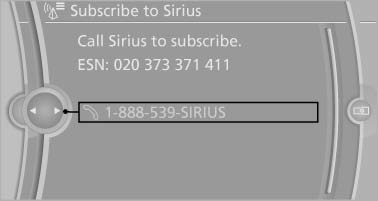
You can unsubscribe from the channels again via this phone number.
Unsubscribing from channels
1. "Radio"
2. "Satellite radio"
3. Open "Options".
4. "Manage subscription"
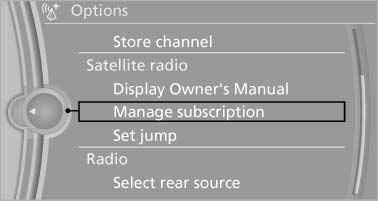
5. The phone number and an electronic serial
number, ESN, are displayed.
6. Call Sirius to unsubscribe from the channels.
See also:
The concept
Two radar sensors below the rear bumper monitor
the area behind and next to the vehicle at
speeds above approx. 30 mph/50 km/h.
The system indicates whether there are vehicles
in the blind sp ...
Language
Setting the language
To set the language on the Control Display:
1. "Settings"
2. "Language/Units"
3. "Language:"
4. Select the desired language.
The setting is s ...
Controls
This chapter is intended to provide you with information for complete control
of your vehicle. All features and accessories that are useful for driving and your
safety, comfort and convenience, ar ...