
Enabling DVD system
The DVD system can be enabled via iDrive.
1. "Settings"
2. "Allow rear control"
3. "Rear DVD system active"
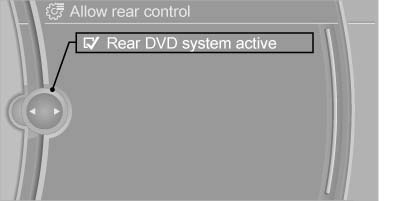
Rear DVD system active
See also:
Supplementary text messages
You can call up more information, e.g., on the
cause of a malfunction and on how to respond,
via Check Control.
In urgent cases, this information will be shown
as soon as the corresponding lamp ...
Camera monitoring: Lane Departure Warning System and Collision Warning
The Lane Departure Warning System available for the new BMW 3-Series Sedan is
activated at speeds above 70 km/h (43 mph) and warns the driver if he
unintentionally strays out of his lane. The syst ...
The concept
The central locking system becomes active
when the driver's door is closed.
The system simultaneously engages and releases
the locks on the following:
▷ Doors.
▷ Trunk lid.
▷ ...