
Switching on/off
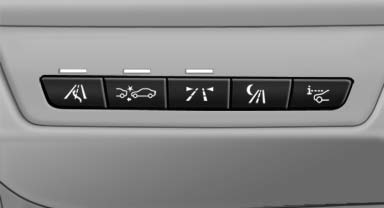
 Press the button.
See also:
Entering letters and numbers
1. Turn the controller: select the letters or numbers.
2. Select additional letters or numbers if needed.
3. "OK": confirm entry.
Switching between letters andnumbersD ...
BMW X5: luggage compartment roller
cover
BMW X5: luggage compartment roller
cover
Pull out the luggage compartment roller cover
and hook it into the brackets.
Do not deposit heavy objects
Do not deposit heavy or hard objects on
...
Engaging the transmission position
Transmission position P can only be disengaged
if the engine is running and the brake
pedal is pressed.
With the vehicle stationary, press on the
brake pedal before shifting out of P or ...