
The concept
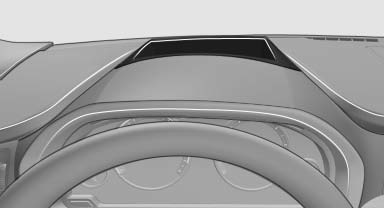
This system projects important information into the driver's field of vision, e.g., the speed.
In this way, the driver can get information without averting his or her eyes from the road.
See also:
Specifying the home address
A home address can be stored. It appears at the
top of the contact list.
1. "Home"
2. Create a contact.
3. "Store contact in vehicle" ...
Snow chains
Fine-link snow chains
Only certain types of fine-link snow chains have
been tested by the manufacturer of your vehicle,
classified as road-safe and recommended.
Consult your service center for m ...
Seats
Note before adjusting Never attempt to adjust your seat while the
vehicle is moving. The seat could respond with unexpected movement, and the ensuing
loss of vehicle control could lead to an accid ...