
Activation/deactivation
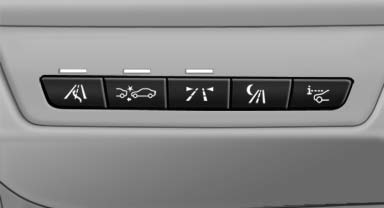
 Press the button.
See also:
TeleService
General information
TeleService supports communication with your
service center.
▷ Data on the vehicle's service requirements
can be sent directly to the service center. In
this way, the ...
Right-hand/left-hand steering
The digital compass is set for right-hand or lefthand
steering at the factory ...
Controls
This chapter is intended to provide you with
information that will give you complete control of
your vehicle. All features and accessories that are
useful for driving and your safety, comfort an ...