
Switching the warning function on/off
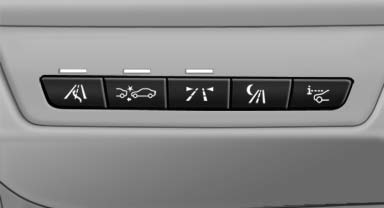
 Press the button
- On: the LED lights up.
- Off: the LED goes out.
The state is stored for the remote control currently in use.
See also:
Display
Instrument cluster
Instrument cluster
Instrument cluster with enhanced
features
Instrument cluster with enhanced features ...
General information
Danger of burns from hot engine
Do not open the cooling system while the
engine is hot; otherwise, escaping coolant may
cause burns.
Suitable additives
Only use suitable additives; otherwise, ...
Possible commands
Most menu items on the Control Display can be
voiced as commands.
The available commands depend on the menu
that is currently displayed on the Control Display.
The functions of the main menu hav ...