
Setting the voice dialog
You can set whether the system should use the standard dialog or a shorter version.
In the shorter variant of the voice dialog, the announcements from the system are issued in an abbreviated form.
On the Control Display:
1. "Settings"
2. "Language/Units"
3. "Speech mode:"
4. Select the setting.
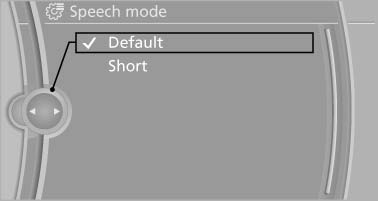
On the Control Display
See also:
Priority options
The driver has priority
The source selected via iDrive in the front is
output on the vehicle loudspeakers and can
be selected but not operated from the rear.
Other audio or video sources ...
Pressure specifications
The tire inflation pressure table, contains all pressure specifications
for the specified tire sizes at the ambient temperature.
Pressure specifications apply to approved
tire sizes and recommen ...
Status of this Owner's Manual at time of printing
The manufacturer of your vehicle pursues a policy
of constant development that is conceived
to ensure that our vehicles continue to embody
the highest quality and safety standards. In rare
cas ...