
Indicator/warning lamps
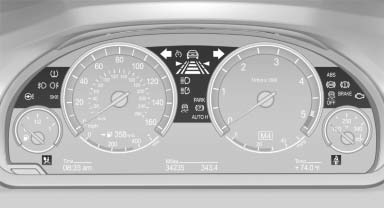
The indicator and warning lamps can light up in a variety of combinations and colors.
Several of the lamps are checked for proper functioning and light up temporarily when the engine is started or the ignition is switched on.
See also:
The concept
iDrive integrates the functions of a large number of switches. This allows these
functions to be operated from a single central position.
Make entries only when traffic and road conditions per ...
Operational readiness of airbag system
Operational readiness of airbag system
In the radio ready state and beyond the warning lamp comes on
briefly to
indicate that the entire airbag system and the
belt tensioners are operational. ...
Planning a trip with intermediatedestinations
New trip
1. "Navigation"
2. "Map"
3. Move the controller to the left if necessary.
4. "Guidance"
5. "Enter new destination"
6. Select the type of destina ...