
Bypassing a section of the route
Calculate a new route for a route section.
1. "Navigation"
2. "Route information"
3. "New route for"
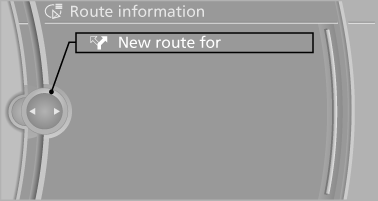
4. Turn the controller. Enter the number of
miles within which you would like to return
to the original route.
5. Press the controller.
See also:
Units of measure
To set the respective units of measure, miles or
km for the odometer and ℃ or ℉ for the external
temperature.
The setting is stored for the remote control currently
in use. ...
Screw thread
Left/right cover in the bumper: press on the arrow
symbol on the cover.
BMW X5: front
BMW X6: front
Rear
...
Driving tips
This section provides you with information useful in dealing with specific driving
and operating conditions. ...