
BMW 7 Series
BMW 7 Series
See also:
Display
Display
1. The system is activated.
2. Arrows: at least one lane marking was detected
and warnings can be issued. ...
The concept
The backup camera provides assistance in parking
and maneuvering backwards. The area behind
the vehicle is shown on the Control Display. ...
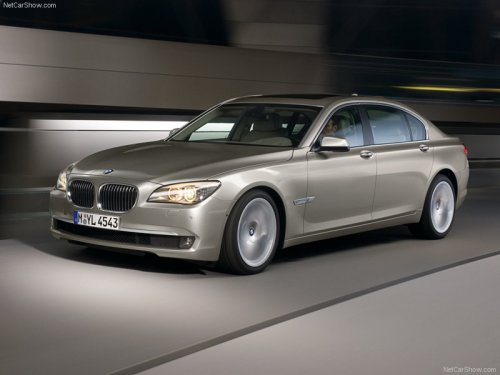
Precise lines produce a stretched silhouette and enhance the car's dynamic
impact
Powerfully taut surfaces with sweeping lines dominate the side view of the
BMW 3-Series Sedan, stretching the car visually and lending extra verve to its
dynamic stance. The flanks of the car are ...