
Customer Relations
At a glance
Contact Customer Relations for information on all aspects of your vehicle.
Calling Customer Relations
Vehicles not equipped with BMW Assist or TeleService
1. "BMW Assist" or "ConnectedDrive"
2. "Customer Relations"
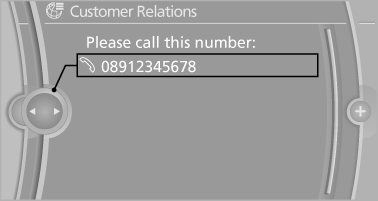
The Customer Relations phone number is displayed.
If the mobile phone is paired, a connection is established to Customer Relations.
Vehicles equipped with BMW Assist or TeleService
1. "BMW Assist" or "ConnectedDrive"
2. "Customer Relations"
3. "Start service"
See also:
Self-leveling headlights
The self-leveling headlights feature adapts the
light distribution to the contours of the road.
The light distribution is lowered on hilltops to
avoid blinding oncoming traffic and tilted in depr ...
Windows
To prevent injuries, watch the windows while
closing them.
Take the remote control out of the ignition when you leave the car; otherwise,
children could operate the electric windows and possibly ...
Concierge service
General information
The BMW Assist Concierge service offers information
on events, gas stations or hotels, and
provides phone numbers and addresses. Hotels can be booked directly by the BMW
Assis ...