
Switching on/off
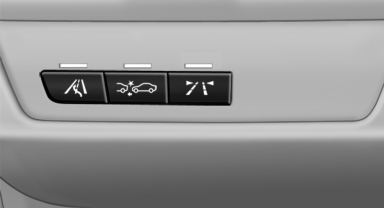
Switching on/off
 Press the button.
▷ On: the LED lights up.
▷ Off: the LED goes out.
The system can issue warnings at speeds above approx. 30 mph/50 km/h.
The state is stored for the remote control currently in use.
See also:
System limits
Check the traffic situation as well
Check the traffic situation around the vehicle
with your own eyes. Otherwise, an accident
could result from road users or objects located
outside the pictur ...
Switching on/off manually
Switching on/off manually
Press the button. ...
Hazard warning flashers
The button is located in the center console. ...