
Playing CD/DVD
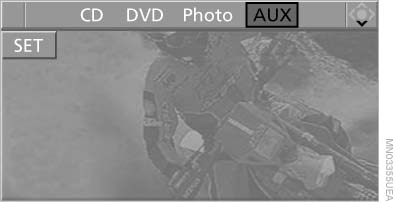
Use the following menu items to access data from a CD/DVD:
▷ Video data via "DVD"
▷ Audio data via "CD"
▷ Images "Photo"
Playing CD/
See also:
FTM Flat Tire Monitor
The concept
The system does not measure the actual inflation
pressure in the tires.
It detects a pressure loss in a tire by comparing
the rotational speeds of the individual wheels
while moving ...
Malfunction
A Check Control message is displayed.
The parking assistant failed. Have the system
checked. ...
Switching the system on/off
Press the left or right side of
the button
on the CD/DVD player in the rear for the
respective page.
Rear entertainment and screens are switched
on/off.
After switching off the ignition, th ...