
Notes
Displaying notes
1. "Office"
2. "Notes"
All notes are displayed.
Displaying the note
1. Select the desired note.
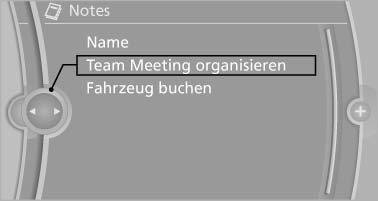
2. Scroll in the note if necessary:
- Turn the controller.
- ▷

 Select the symbol.
Using contact data
Contact data from appointments, e-mails and notes can be saved or selected*.
Reading the note out loud*
Read the note out loud.
See also:
Vehicle equipment
All standard, country-specific and optional
equipment that is offered in the model series is
described in this chapter. Therefore, equipment
is also described that is not available in a vehicle, ...
What to do if...
Information on suitable mobile phones.
The mobile phone could not be paired or connected.
▷ Is Bluetooth activated in the vehicle and on
the mobile phone? Activate Bluetooth in the
vehicle ...
At a glance
These overviews of buttons, switches and
displays are intended to familiarize you with your
vehicle. You will also become quickly acquainted
with the available control concepts and options. ...