
Switching on/off manually
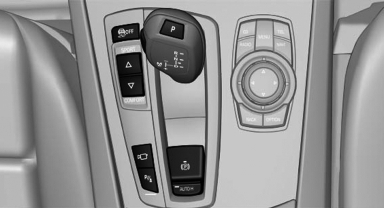
 Press the button.
- On: the LED lights up.
- Off: the LED goes out.
If Top View is displayed, switch on the backup camera via the iDrive.
See also:
Online Search
1. "Google™ Search"
2. Select a special destination.
3. Select the symbol.
4. "Start guidance" ...
Roof-mounted luggage rack
Note
Roof racks are available as special accessories.
Attachment
Follow the installation instructions of the roof
rack.
Roof drip rail with flaps
The anchorage points are located in the roof ...
My Info
Starting destination guidance
1. Select the message.
2. "Start guidance" or "Add as another
destination"
Dialing the number in the message
Up to 4 phone numbers can be transm ...