
Switching on/off manually
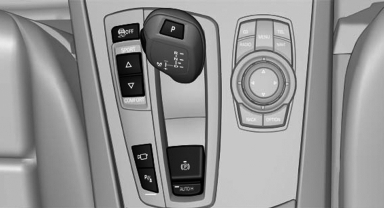
 Press the button.
- On: the LED lights up.
- Off: the LED goes out.
The PDC is shown on the Control Display. Switch on the backup camera via the iDrive.
See also:
Vehicle Overview
The rear-wheel-drive BMW 1 Series enters its fifth year on the market with a
few visual changes, as well as a new higher-performance version from BMW's M
division, dubbed the 1 Series M. Above the ...
Damage to safety belts
In the case of strain caused by accidents or
damage:
Have the safety belts, including the safety belt
tensioners, replaced and have the belt anchors
checked.
Checking and replacing safety be ...
Ride & Handling
One of my main criticisms of the regular X5, which was redesigned for the
2007 model year, is its regular suspension doesn't offer the balance between
ride comfort and handling prowess that I've c ...