
Switching the warning function on/off
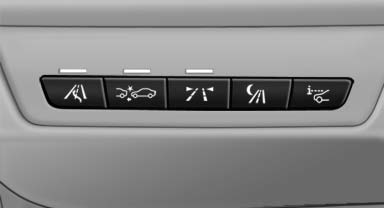
 Press the button
- On: the LED lights up.
- Off: the LED goes out.
The state is stored for the remote control currently in use.
See also:
Navigation
General information
Map
Split screen settings
Destination guidance with intermediate destinations
...
After washing the vehicle
After washing the vehicle, apply the brakes
briefly to dry them; otherwise, braking action can
be reduced and corrosion of the brake discs can
occur. ...
Tail lamps, bulb replacement
At a glance
At a glance
1 Turn signal
2 Reversing lamp
3 Inside brake lamp
4 Tail lamps
5 Outside brake lamp
Bulb replacement, exterior tail lamps
General information
Follow the General ins ...