
Displays in the instrument cluster
Selected program

The selected program is displayed in the tachometer.
Program selection
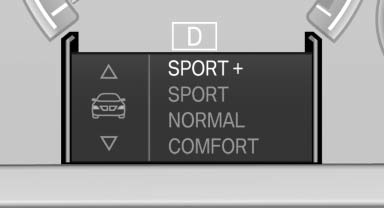
Pressing the button displays a list of the selectable programs.
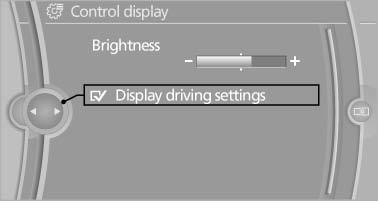
Display on the Control Display
Program changes can be displayed briefly on the Control Display.
To do so, make the following settings:
1. "Settings"
2. "Control display"
3. "Display driving settings"
See also:
Sound output
Switching on/off
When the ignition is switched off: press ON/OFF
button on the radio.
Muting
When the ignition is switched on or the engine
is running: press the ON/OFF button on the
radio. ...
The concept
The iDrive combines the functions of a multitude
of switches. Thus, these functions can be operated
from a central location.
Using the iDrive during a trip
To avoid becoming distracted and posing ...
Destination entry by map
Selecting the destination
1. "Navigation"
2. "Map"
The current position of the vehicle is indicated
on the map.
3. "Interactive map"
4. Select the destination w ...