
Active seat ventilation
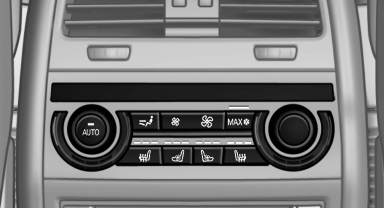
Switching on
 Press the button once for each
ventilation
level.
Press the button once for each
ventilation
level.
The highest level is active when three LEDs are lit.
Switching off
Press the button longer.
The LEDs go out.
See also:
Vehicle equipment
All standard, country-specific and optional
equipment that is offered in the model series is
described in this chapter. Therefore, equipment
is also described that is not available in a vehicle,
e ...
General information
▷ Instructions for voice activation system
▷ When making a destination entry by voice,
you can change between voice operation
and iDrive.
▷ To have the available spoken instruc ...
Setting the clock
1.
Press the button. The main menu is
displayed.
2. Turn the controller until "Settings" is highlighted,
and then press the controller.
3. If necessary, move the controller to ...