
Switching the warning function on/off
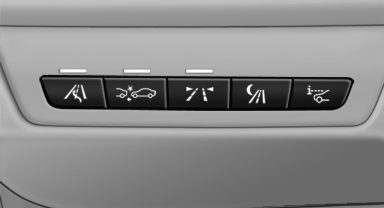
 Press the button
▷ On: the LED lights up.
▷ Off: the LED goes out.
The state is stored for the remote control currently in use.
See also:
The concept
The Check Control system monitors functions
in the vehicle and notifies you of malfunctions in
the monitored systems.
A Check Control message is displayed as a
combination of indicator or warni ...
Arming and disarming the alarm system
General information
When you lock or unlock the vehicle, either with
the remote control or at the door lock, the alarm
system is armed or disarmed at the same time.
Door lock and armed alarm sys ...
Additional functions
General information
Activate the functions before pairing to be able
to use them in the vehicle. Information on suitable
mobile phones, that support
these functions.
Additional telephone
A mo ...