
Switching on/off manually
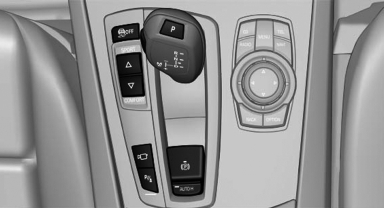
 Press the button.
▷ On: the LED lights up.
▷ Off: the LED goes out.
If Top View is displayed, switch on the backup camera via the iDrive,
See also:
Vehicle equipment
All standard, country-specific and optional
equipment that is offered in the model series is
described in this chapter. Therefore, equipment
is also described that is not available in a vehicle, ...
Washer fluid reservoir
Adding washer fluid
Only add washer fluid when the engine is
cool, and then close the cover completely to
avoid contact between the washer fluid and hot
engine parts.
Otherwise, there is the d ...
Controls at a glance
Controls
1. Control Display
2. Controller with buttons
You can use the buttons to open the menus directly. The controller can be used to
select the menu items and create settings.
...