
Display
Instrument cluster
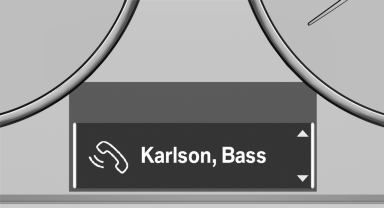
Instrument cluster
Instrument cluster with enhanced features
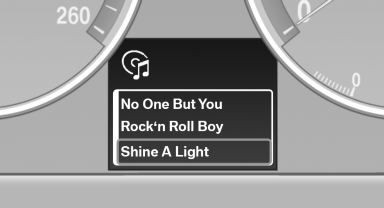
Instrument cluster with enhanced features
See also:
Display on the Control Display
Activating/deactivating systems
System status
Gray: the system is not activated.
Parking space search.
Blue: the system is activated. A
suitable parking space was
found.
The parking p ...
System limits
The maximum recording range of the camera is
330 ft/100 m.
Display
The images from both cameras are shown simultaneously
on the Control Display.
Check the traffic situation as well
Check the ...
Activating the High-beam Assistant
1. Turn the light switch to or
.
2. Press the button on the turn signal lever, arrow.
The indicator lamp in the
instrument
cluster lights up.
When the lights are switched on, the
high be ...