
Controller without navigation system
Select menu items and create settings.
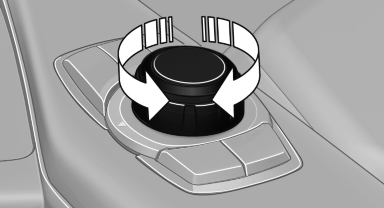
1. Turn.
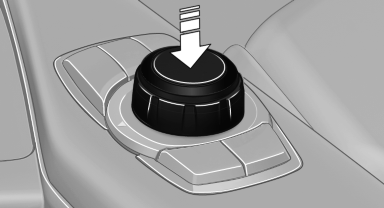
2. Press.
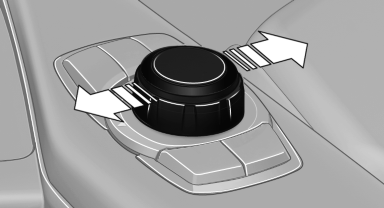
3. Move in two directions.
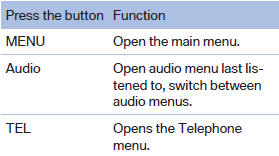
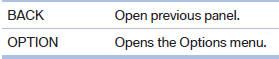
Buttons on controller
See also:
Controls
Controls
1 Display screen
2 Infrared interface for headphones
3 CD/DVD player
4 Headphone connection: jack plug
5 12 V sockets ...
Current fuel consumption
Displays the current fuel consumption.
You can check
whether you are currently driving
in an efficient and environmentally-
friendly manner.
Displaying the current fuel
consumption
1. &q ...
Comparison with ordinary remote
control
The functions can be controlled by pressing the
buttons or via Comfort Access.
Should a short delay occur when opening or
closing the windows or the glass sunroof/panoramic
glass sunroof, the s ...