
Freeze frame
1.  Press the
button on the remote control
during playback.
Press the
button on the remote control
during playback.
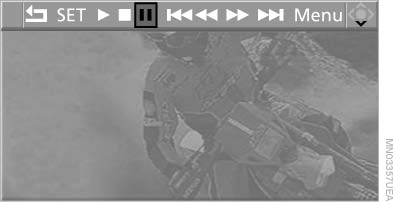
Freeze frame
2. Select the symbol.
3. Press
the button.
Press
the button.
To continue playback:
1. Select the  symbol.
2.  Press the button.
As an alternative, you can also stop and continue
playback with the  button on the CD/DVD
player.
button on the CD/DVD
player.
See also:
Features
The 535i xDrive starts at $55,800 and comes with a fair amount of standard
features, like a panoramic moonroof, xenon headlights and rain-sensing
windshield wipers. As with most BMWs, though, it's ...
Using BMW TeleService
BMW TeleService are typically activated in the
vehicle.
Even if the BMW TeleService are not active, a
voice contact to Roadside Assistance is still
possible.
To continue using or to deactivate ...
Displays in the instrument cluster
The transmission
position is displayed,
e.g.: P. ...