
Switching on/off
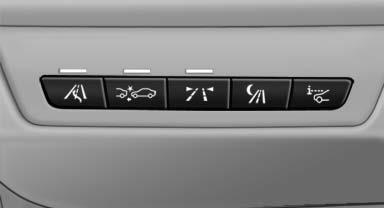
 Press the button.
- On: the LED lights up.
- Off: the LED goes out.
The system can issue warnings at speeds above approx. 30 mph/50 km/h.
The state is stored for the remote control currently in use.
See also:
Satellite radio
General information
The channels are offered in predefined packages.
The packages must be enabled by telephone.
Navigation bar overview
The functions of the navigation bar symbols can
also be ...
Outstanding seat comfort, comprehensive safety equipment, body with
excellent torsional rigidity.
The lightweight seats with integrated belt system developed for the new BMW
6-Series range are available in three variants. The integrated belt system makes
it easier both to reach the belt and to ...
Integrated key
Press the button on the back of the remote control,
arrow 1, and pull out the key, arrow 2.
The integrated key fits the following locks:
► Driver's door.
► Glove compartment on t ...