
General information
 Take the remote control with you
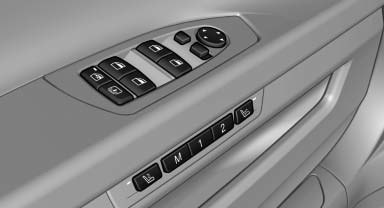
Take the remote control with you when leaving the vehicle so that children, for example, cannot operate the power windows and injure themselves.
See also:
Camera
Camera
The camera is located near the base of the mirror.
Keep windshield clean and clear in the area in
front of the interior rear view mirror. ...
ConnectedDrive
Vehicle equipment
All standard, country-specific and optional
equipment that is offered in the model series is
described in this chapter. Therefore, equipment
is also described that is not avai ...
Rear
Opening
Press on the cover.
Emptying
Take out the insert.
Lighter
Push in the lighter.
The lighter can be removed as soon as it pops
back out.
Danger of burns
Only hold the hot lighter ...