
Opening
Front
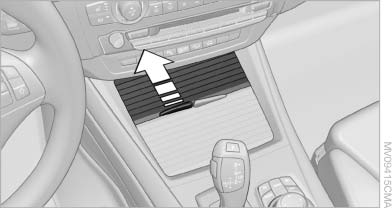
Front
To open the cover, slide it forward
Rear
BMW X6
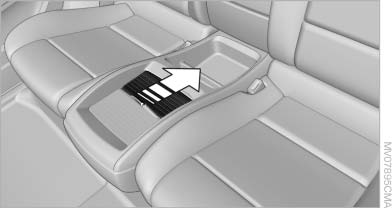
BMW X6
Slide the cover back.
Emptying
Take out the insert.
See also:
Navigation system
General information
The navigation system can determine the precise
position of the vehicle, with the aid of satellites
and vehicle sensors, and can reliably
guide you to every entered destinat ...
Lashing eyes in the cargo area
Lashing eyes in the cargo area
To secure the cargo, there are four lashing eyes
in the cargo area ...
Adding engine oil
Filler neck
When the indicator lights up in the instrument
cluster, add 1 US quart/liter of engine oil within
the next 125 miles/200 km.
Do not add too much engine oil
When too much engine o ...