
Switching on/off manually
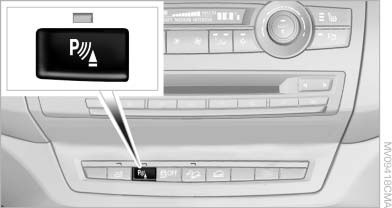
Switching on/off manually
Press the button.
▷ On: the LED lights up.
▷ Off: the LED goes out.
If Top View is displayed, switch on the backup camera via the iDrive
See also:
The concept
This system can be used to select a desired
speed that the vehicle will maintain automatically
on clear roads.
To the extent possible, the system automatically
adjusts the speed to a slower veh ...
Welcome lamps
When parking the vehicle, leave the switch in
position or
: the parking and interior
lamps light up briefly when the vehicle is unlocked.
Activating/deactivating the welcome
lamps
1. " ...
Map view for split screen
The map view can be selected for the split
screen independently from the main screen.
1. Open "Options".
2. "Split screen"
3. Move the controller to the right repeatedly
unt ...