
Switching on/off manually
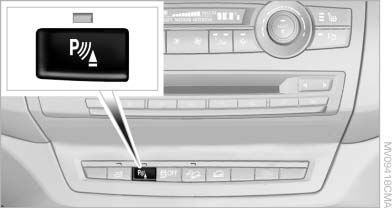
Switching on/off manually
Press the button.
▷ On: the LED lights up.
▷ Off: the LED goes out.
See also:
Setting compass zones
Set the compass zone corresponding to the vehicle's
geographic location so that the compass
Setting compass zones
Press the adjustment button for 3‑4 seconds.
The number of the compass zo ...
Socket for OBD Onboard
Diagnosis
There is an OBD socket on the driver's side for
checking the primary components in the vehicle
emissions.
Emissions
▷ The warning lamp lights up:
Emissions are deteriorating. Have
th ...
Glove compartment
Front passenger side
Opening
Pull the handle.
The light in the glove compartment switches on.
Close the glove compartment again immediately
Close the glove compartment immediately after
use ...