
Switching on/off manually
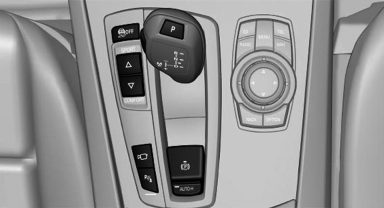
 Press the button.
- On: the LED lights up.
- Off: the LED goes out.
See also:
Washer/wiper system
Do not switch on the wipers if frozen<>
Do not switch on the wipers if they are frozen
onto the windshield; otherwise, the wiper
blades and the windshield wiper motor may be
damaged.&# ...
Emergency detection of remote control
It is possible to switch on the ignition or start the
engine in situations such as the following:
▷ Interference of radio transmission to remote
control by external sources.
▷ Discha ...
Components of the integrated Owner's Manual
The integrated Owner's Manual consists of
three parts, which offer various levels of information
or access possibilities.
Quick Reference Guide
Located in the Quick Reference is important inform ...