
Active seat ventilation
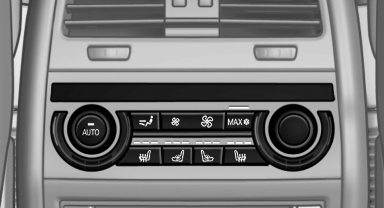
Switching on
 Press the button once for each
ventilation
level.
Press the button once for each
ventilation
level.
The highest level is active when three LEDs are lit.
Switching off
Press the button longer.
The LEDs go out.
See also:
Electronic brake-force distribution
The system controls the brake pressure in the
rear wheels to ensure stable braking behavior. ...
Deactivating DSC: DSC OFF
When DSC is deactivated, driving stability is reduced
during acceleration and when driving in
bends.
Stabilizing interventions by the Integral Active
Steering system are only performed by the r ...
Requirements
Via the Control Display, set a language that is
also supported by the voice activation system
so that the spoken commands can be identified.
Set the language. ...