
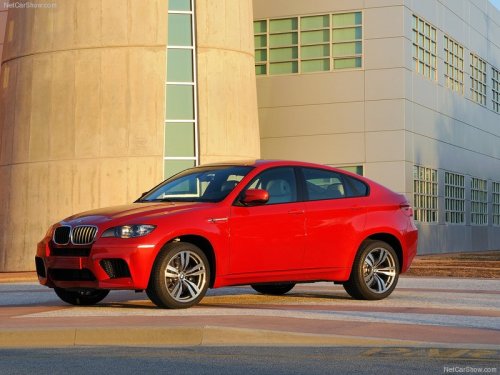
BMW X6
BMW X6
See also:
At a glance
These overviews of buttons, switches and
displays are intended to familiarize you with your
vehicle. You will also become quickly acquainted
with the available control concepts and options. ...
Opening/closing the glass sunroof andsliding visor together
Briefly press the switch twice
in
succession in the desired direction
past the resistance point.
The glass sunroof and sliding visor
move together. Pressing the
switch again stops the motion ...
Automatic mode
The automatic engine start/stop function is operational
after each engine start.
The function is activated above a certain speed.
▷ Manual transmission: above 3 mph, approx.
5 km/h.
▷ ...