
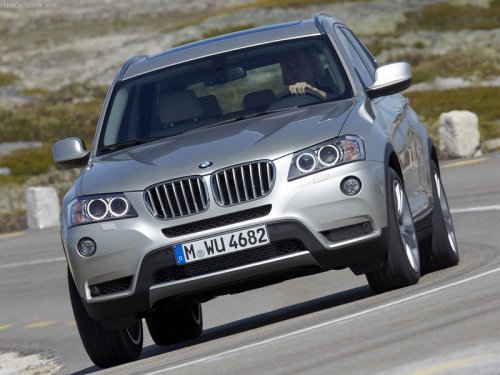
BMW X3
BMW X3
See also:
The concept
If the vehicle does not include Active Cruise
Control with Stop & Go, the collision warning is
controlled via the camera in the base of the interior
rearview mirror.
The system issues a two ...
Vehicle equipment
All standard, country-specific and optional
equipment that is offered in the model series is
described in this chapter. Therefore, equipment
is also described that is not available in a vehicle, ...
Selecting a category
1. "Radio"
2. "Satellite radio"
3. "Category"
4. Select the desired category. ...