
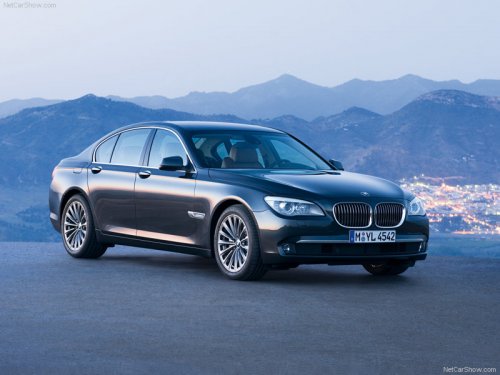
BMW 7 Series
BMW 7 Series
See also:
Snow chains
Only certain fine-link snow chains have been tested by BMW, classified as safe
for use and recommended. Consult your BMW center for more information. Snow chains
must be mounted in pairs and on th ...
Radio ready state
Activate radio ready state:
When the ignition is switched off: press ON/
OFF button on the radio.
When the engine is running: press START/
STOP button.
Some electronic systems/power con ...
Storing a station
1. "Radio"
2. "FM" or "AM"
3. Highlight the desired station.
Highlight the desired station
4. Press the controller for an extended period.
5. Select the desired me ...