
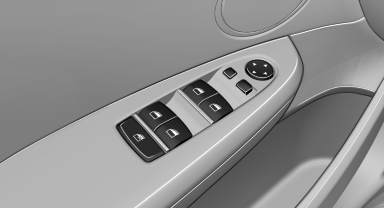
General information
 Take the remote control with you
Take the remote control with you when
leaving the vehicle so that children, for example,
cannot operate the power windows and injure
themselves.◄
See also:
Selecting the sorting order of the
names
Names can be displayed in a different order.
1. "Office"
2. "Contacts"
3. Open "Options".
4. "Display: last, first name" or "Display: first,
last nam ...
Indicator/warning lamps
The indicator and warning lamps can light up in
a variety of combinations and colors.
Several of the lamps are checked for proper
functioning and light up temporarily when the
engine is start ...
BMW 3-Series production at the company's home plant in Munich
Like each of its predecessors since 1975, the new BMW 3-Series will be built
at BMW Plant Munich. The company's home plant lies at the centre of the
sprawling Bavarian city and represents the hear ...