
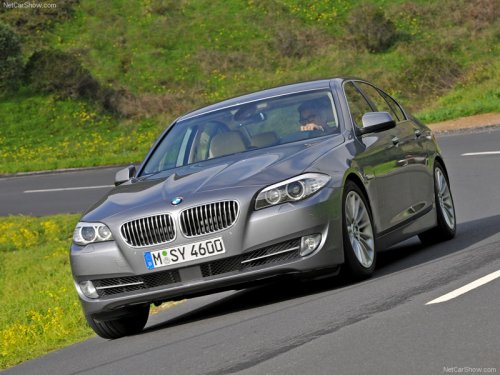
BMW 5 Series
BMW 5 Series
See also:
Starting playback
Push the CD/DVD into the drive with the labeled
side facing upward. The CD/DVD is automatically
pulled in.
▷ Playback begins automatically after a few
seconds.
▷ Otherwise: select ...
Front seat heating
Switching on
Press the button once for each
temperature
level.
The maximum temperature is reached when
three LEDs are lit.
If the drive is continued within approx. 15 minutes,
the seat h ...
Drive-off assistant
The drive-off assistant enables you to drive off smoothly on uphill gradients.
It is not necessary to use the parking brake for this.
1. Hold the car in place by depressing the brake.
2.&nbs ...