
Switching on/off
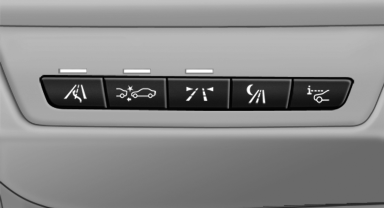
 Press the button.
▷ On: the LED lights up.
▷ Off: the LED goes out.
The system can issue warnings at speeds above approx. 30 mph/50 km/h.
The state is stored for the remote control currently in use.
See also:
Multi-channel playback,surround
Choose between stereo and multi-channel playback,
surround.
Setting multi-channel playback,
surround
1. "CD/Multimedia", "Radio" or "Settings"
2. "Tone"
3 ...
Vehicle equipment
All standard, country-specific and optional
equipment that is offered in the model series is
described in this chapter. Therefore, equipment
is also described that is not available in a vehicle,
e ...
Maintenance
Vehicle equipment
All standard, country-specific and optional
equipment that is offered in the model series is
described in this chapter. Therefore, equipment
is also described that is not avai ...