
Front storage compartment
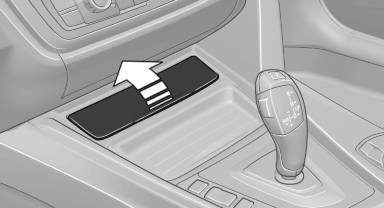
Raise the lid to open it.
See also:
Storing a channel
1. "Radio".
2. "Satellite radio".
3. If necessary, open "All channels" or the desired
category.
4. Select the desired channel.
5. Press the controller again.
6. Pr ...
Entertainment
Operation of the radio, CD equipment and external audio devices as well as their
tone settings are described in this chapter. ...
Settings for the map view
The settings are stored for the remote control
currently in use.
1. "Navigation"
2. "Map"
3. "Options" Open.
4. "Settings"
Set the map view.
▷ &qu ...