
Switching on/off
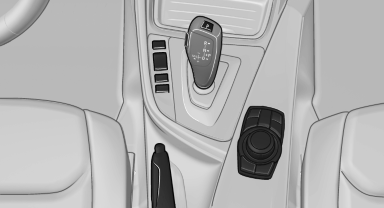
Switching on/off
 Press the button.
See also:
Jacking points for the vehicle jack
Jacking points for the vehicle jack
The jacking points for the vehicle jack are located
in the positions shown. ...
Power failure
After a temporary power loss, some equipment
needs to be reinitialized.
Individual settings need to be reprogrammed:
▷ Seat and mirror memory: store the positions
again.
▷ Time: upd ...
Backrest width
Change the width of the backrest using the side
wings to adjust the lateral support.
To make it easier to enter and exit the vehicle,
the backrest width temporarily opens fully. ...