
Switching on/off
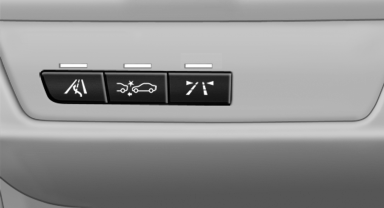
 Press the button.
▷ On: the LED lights up.
▷ Off: the LED goes out.
The state is stored for the remote control currently in use.
See also:
Real-Time Traffic Information (RTTI) is a reliable congestion-fighter
The newly developed RTTI system from BMW ConnectedDrive can now also be
ordered as an option for the new BMW 3-Series Sedan in conjunction with a BMW
navigation system. The system is mobile phone- ...
Strength of the driver's and front
passenger airbag
The strength with which the driver's and front
passenger airbags are triggered depends on the
position of the driver's and front passenger
seats.
To maintain the accuracy of this function over ...
Before mounting
Before mounting child restraint fixing systems,
ensure that the rear seat backrests are locked. ...