
Controller without navigation system
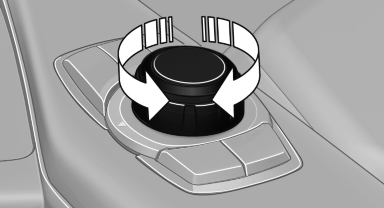
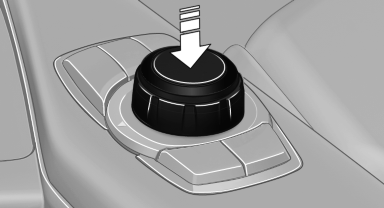
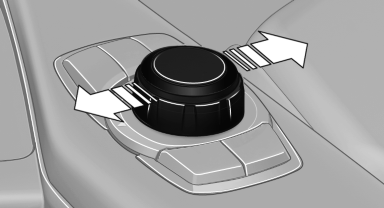
Select menu items and create settings.
1. Turn.
2. Press.
3. Move in two directions.
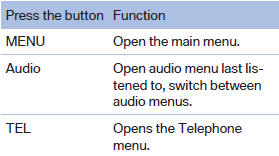
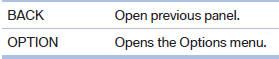
Buttons on controller
See also:
BMW Parking Assistant takes charge of manoeuvring into parking spaces
The BMW Parking Assistant is another comfort-enhancing driver assistance
system from BMW ConnectedDrive to be included in the new BMW 3-Series Sedan. The
new system helps the driver to manoeuvre s ...
A new interior
The new BMW 7-Series comes with one of the most luxurious interiors of any
premium car. In addition to a new iDrive controller and larger 10.2-inch screen,
owners will be able to programme frequen ...
Controls
1 Change entertainment sources
2 Volume, on/off
3 Programmable memory buttons or radio station buttons
4 Change station/track
5 Eject CD/DVD
6 CD/DVD drive
7 Change wave band ...