
Calling Customer Relations
Vehicle not equipped with BMW Assist or TeleService
1. "BMW Assist" or "ConnectedDrive"
2. "Customer Relations"
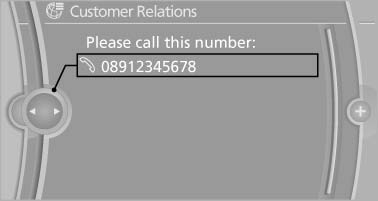
The Customer Relations phone number is displayed.
If the mobile phone is paired, a connection is established to Customer Relations.
Vehicle not equipped with BMW Assist
or TeleService
Vehicle equipped with BMW Assist or TeleService
1. "BMW Assist" or "ConnectedDrive"
2. "Customer Relations"
3. "Start service"
See also:
Symbols
Indicates precautions that must be followed
precisely in order to avoid the possibility of personal
injury and serious damage to the vehicle.
◄ Marks the end of a specific item of informat ...
Switching spoken instructions on/off
The setting is stored for the remote control currently
in use.
1. "Navigation"
2. "Map"
3.
"Voice instructions"
Repeating spoken instructions
1. "Navigatio ...
Office
...