
Enabling DVD system
The DVD system can be enabled via iDrive.
1. "Settings"
2. "Allow rear control"
3. "Rear DVD system active"
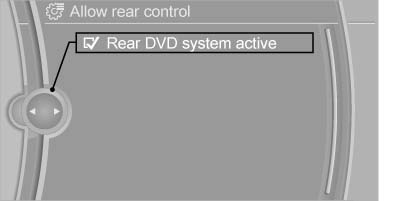
Rear DVD system active
See also:
Adjusting
Adjusting
1. Fold the lever down.
2. Move the steering wheel to the preferred
height and angle to suit your seating position.
3. Fold the lever back. ...
Automatic deactivation
In certain situations, the Automatic Engine Start/
Stop Function is deactivated automatically for
safety reasons, such as when the driver is detected
to be absent.
Malfunction
The automatic engin ...
Switching the high beams on and offmanually
► High beams on, arrow 1.
► High beams off/headlamp flasher, arrow 2.
The High-beam Assistant can be switched off
when manually adjusting the light. To reactivate
the High-beam Assis ...