
Switching on/off manually
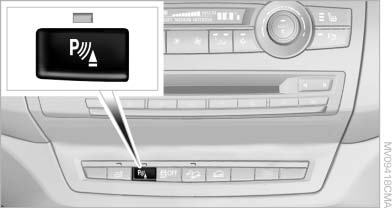
Switching on/off manually
Press the button.
▷ On: the LED lights up.
▷ Off: the LED goes out.
If Top View is displayed, switch on the backup camera via the iDrive
See also:
Removing the mobile phone
Press the button and remove the mobile phone. ...
Filtering the message list
The message list can be filtered when more than
one type of message exists.
1. "Filter:"
2. Select the type of message.
▷ "All"
All messages are displayed.
▷ & ...
Current office
The number of unread messages and active tasks as well as upcoming appointments
are displayed.
1. "Office"
2. "Current office"
3. Selecting the desired entry ...