
Services status
General information
Check services status.
Displaying available services
Display of all services available in the vehicle.
1. "ConnectedDrive"
2. "Service Status"
3. "Available services"
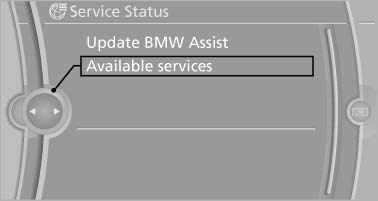
Updating BMW Assist
Manual update of TeleService* and BMW Assist*.
"Update BMW Assist"
Data transfer
During the updating of BMW services, display the status of the data transfer.
1. "ConnectedDrive"
2. Open "Options".
3. "Data transfer"
See also:
Remove unnecessary cargo
Additional weight increases fuel consumption. ...
Information in detail
Range
Displays the estimated cruising range available
with the remaining fuel.
It is calculated based on your driving style over
the last 20 miles/30 km. If there is only enough
fuel left for ...
Ventilation in rear
Ventilation in rear
1 Use the thumbwheels to smoothly open and
close the air vents
2 Use the lever to change the direction of the
air flow ...